
Your next charge.
Within reach.
Find EV chargers in India with the Tobor app. Locate a listed charger, check its availability, scan to start and follow your charging session from your phone.
Listed as Tobor on Android and iPhone. App-store developer: Stabor India Private Limited.
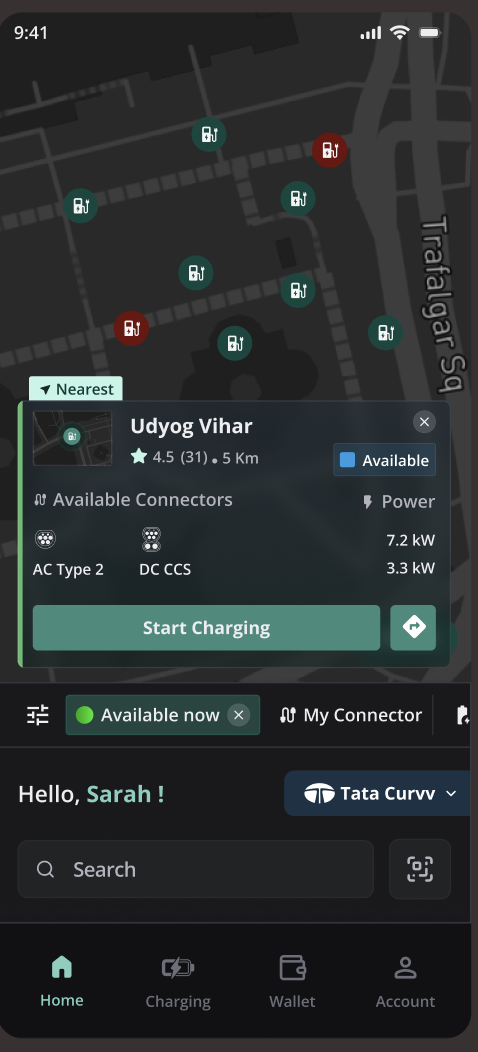
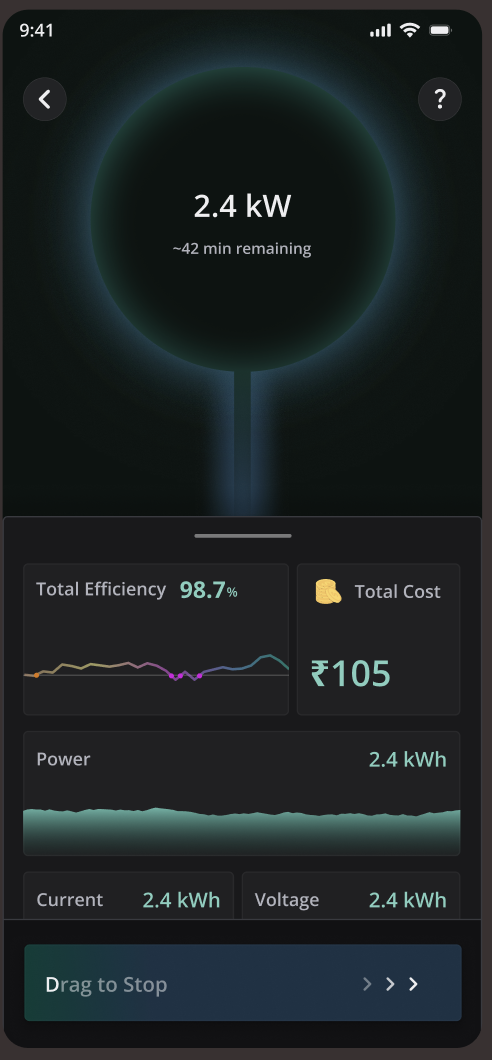
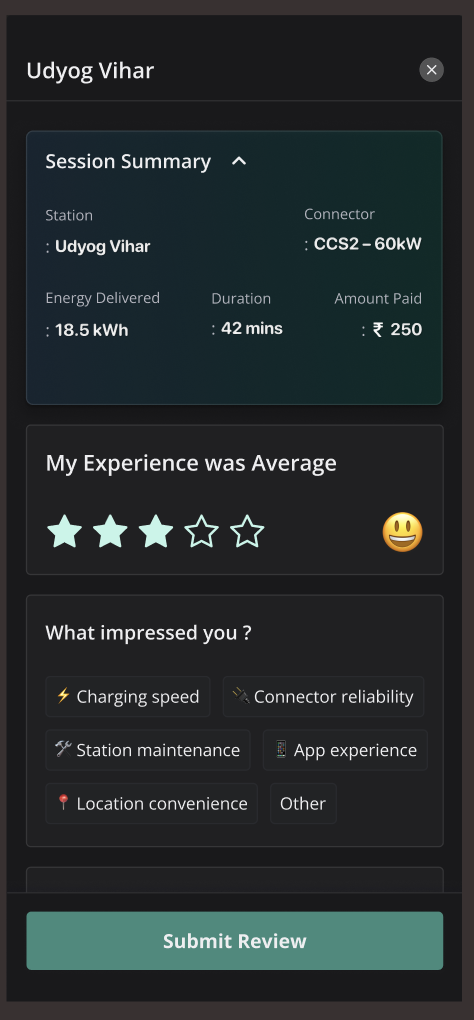
The new Tobor app design
Explore the map and choose a charger for your journey.
Find a charger that fits your journey.
Open the Tobor app for charger discovery and availability. Check the selected location before travelling, especially for a first visit.
- Connector: match the charger to your vehicle's inlet and supported charging type.
- Access: confirm opening hours, entry rules and whether the charger is public or restricted to residents, staff or fleets.
- Availability: check the latest status; occupancy or service conditions can change before you arrive.
- Total cost: review the session price, payment method and any separate parking charges.
Installation photographs on this website show equipment in the field. They are not live station listings or a guarantee of public access.
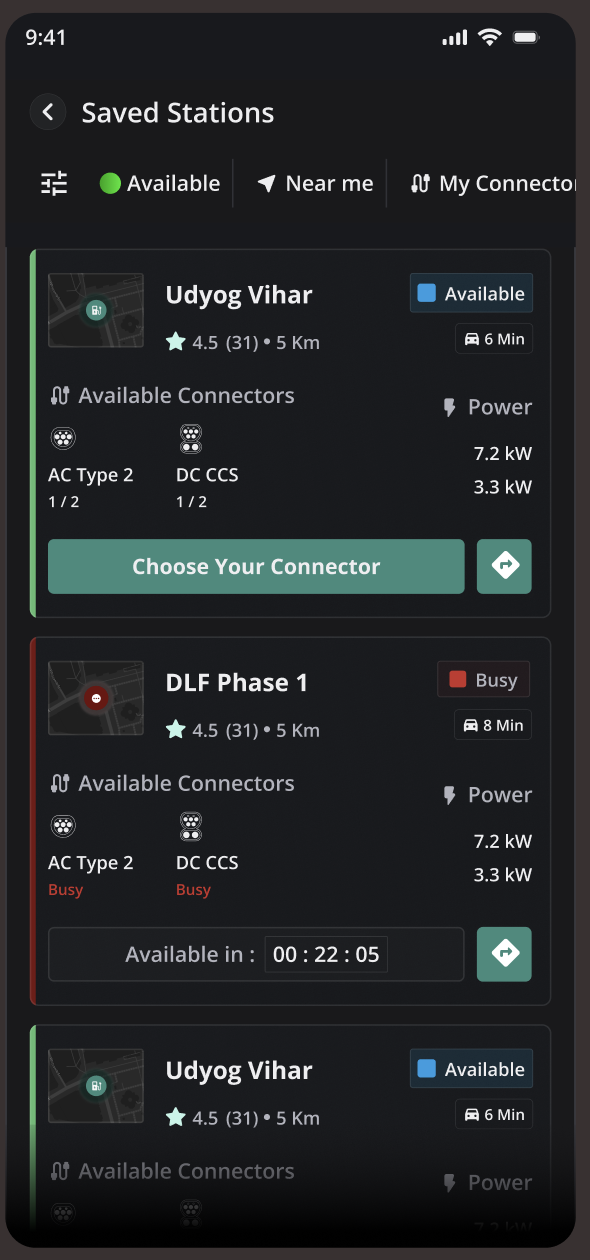
Always close by.
A simple charging routine.
Follow the instructions for the selected charger. Connection and session-start steps can vary by equipment and site.
TOBOR offers AC, CCS2 DC and light-EV chargers. See which charging type fits your vehicle →
Check the bay and charger
Confirm the charger ID, access rules and connector. Follow the equipment instructions to connect your vehicle.
Scan and review
Scan the charger's QR code in the app. Review the selected connector, session details and displayed price before confirming.
Start and follow the session
Complete the app's payment or wallet steps and start charging. Check that the session has begun and monitor its progress.
Finish and free the bay
End the session using the app or the charger's instructions. Wait for the connector to unlock, return it safely and review the session record.
A clear route to support.
If a session does not start, stops unexpectedly or shows a payment issue, include the charger ID, location, session time and error message when contacting support.
Do not send passwords, OTPs or complete payment-card details. For service terms, see our charging refund policy, privacy policy and account-deletion instructions.
TOBOR charging support
support@tobor.in
+91-8726918914
Have a question before choosing a site? Contact us with the location and vehicle model.
Contact TOBOR →Tobor app and charging questions
What is the official TOBOR EV charging app?
Can I use every charger shown in a photograph on this website?
Does the Tobor app work at every charging network in India?
How much does charging with Tobor cost?
What should I do if a charging session fails?
Building a place to charge?
Explore TOBOR chargers, operator software and battery storage for your property or fleet.